Let’s be real for a second: running a small business often feels like you’re trying to build a plane while it's already in the air. One minute you’re answering a client inquiry, the next you’re hunting through emails for a contract, and somewhere in between, you’ve forgotten to post that update on Instagram.
At recme, we talk to business owners every day who are brilliant at what they do but feel buried by the "administrative noise." We’ve found that the secret to staying sane isn't working more hours—it’s having a "digital brain" that remembers things so you don’t have to.
For us and many of our clients, that brain is Notion.
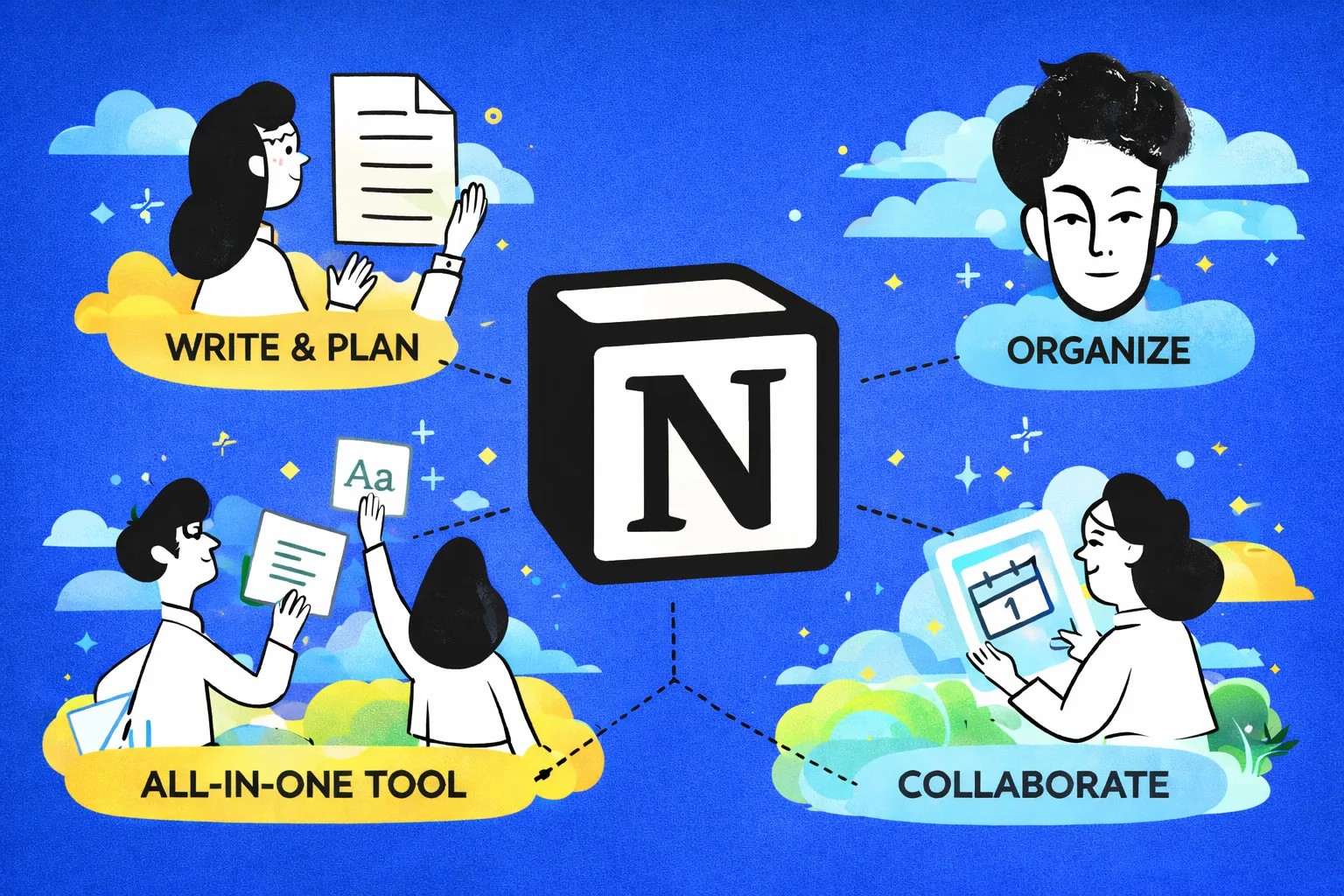
If you haven’t heard of it, Notion.com is an all-in-one workspace. But that sounds a bit corporate, doesn't it? In plain English: it’s a single place where your notes, your to-do lists, your client info, and your big ideas live together.
The reason it’s a game-changer for small teams is flexibility. Unlike rigid software that forces you to work their way, Notion lets you build a system that fits your brain.
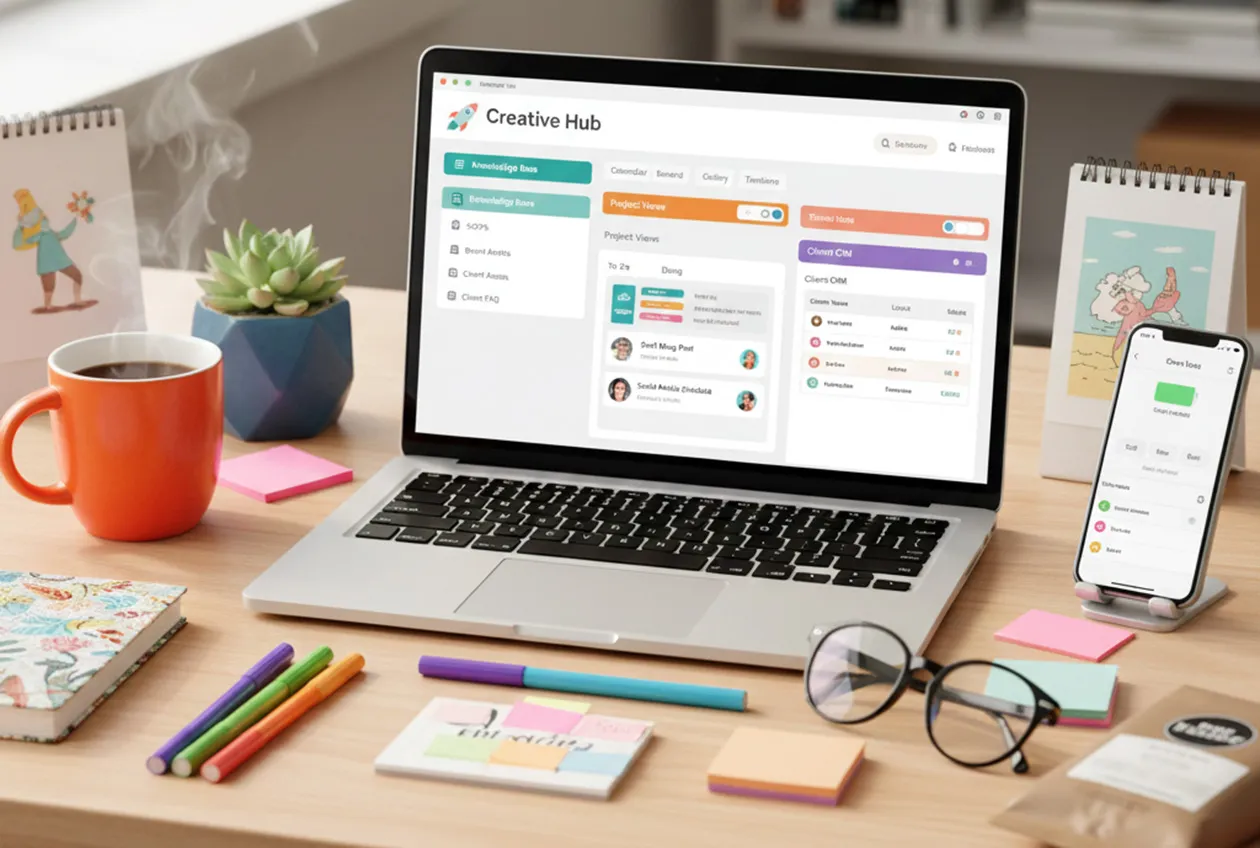
You don’t need to be a tech wizard to get value out of Notion. Here are the three features we see making the biggest impact for small business owners:
Stop answering the same questions over and over. Whether you have one employee or ten, a central "Home" page for your business can store:
This is where the magic happens. You can enter your tasks into a table once, and then toggle between views depending on how you’re feeling that day:
You don't need a thousand-dollar-a-month sales tool. You can build a simple database in Notion to track your leads, their last contact date, and what they’re interested in. It keeps your relationships organized without the enterprise-level headache.
The "blank page" of Notion can be intimidating. The best way to start? Templates. Notion has a massive library of free templates specifically for small businesses—everything from content calendars to expense trackers. You can find one you like, click "Duplicate," and you’re 90% of the way there.
At the end of the day, organization is just a tool to give you back your time. Whether you’re a florist, a consultant, or a local coffee shop owner, having one "Source of Truth" reduces stress and lets you focus on the work you actually love.
Learn more about Notion.com